


I created these images from planks of various peices of lumber for a project
I was asked to undertake. Norfolk County Wood Shop asked me if I would create
a website for their business that deals in Live Edge lumber products. Initial
WEBSITE with not much material. Needless to
say I jumped at the opportunity to exercise the creative spirit while doing some good
for someone else. I thought it would be nice to have wood plank lettering and
after creating the Welcome and NCWOOSHOP.CA lettering
I figured I might as well go whole hog and do the whole
Alphanumeric Set along with some commonly used punctuation
(the web page you are looking at) along with a few
useful characters. Below is the end result along with some testing. The Masthead Image
below was a huge success with the client.
Also created some sample pages to demonstrate some ideas that may be use no their
actual site
SAMPLE ONLY PAGES. Note that I included images in the slide show that are
Live Edge products belonging to the client and will be part of the official website.
the above links to view the web pages.
See
ImgcopyF.html – With Background Colour Change Option
 Many features NOT on this page (image links)


The Brothers Four – Beautiful Brown Eyes –
Lyrics







Left Right Single Qutes – Period – Comma – Left Right Double Quotes – Colon – Apostrophe – Semicolon – 3 Dots


2 Left and 1 Right Single and double quotes Quotes as 6's reverse 6's NOT 6's and 9's
as above

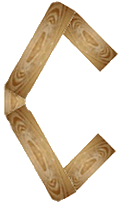
Anything smaller than 40 seems too small See J for size
Also See
ImgcopyF.html
The most popular aspect ratio is 3:2.
This is the aspect ratio of 35mm film cameras and has been around
for a long time. It became the standard for modern full frame
cameras as well. Besides 3:2 aspect ratio, there are other ratios
that are gaining popularity like 4:3, 1:1, and 16:9.
The two most common aspect ratios are 4:3, also known as 1.33:1
or fullscreen, and 16:9, also known as 1.78:1 or widescreen.
(Larger aspect ratio formats are used in the motion picture industry.)
The old 4:3 aspect ratio (1024x768) lived as the computer monitor standard
for many years.
The 16:9 aspec ratio is the most commonly used on computers these days,
HDTV uses this standard.
The 16:9 aspect ratio is 78% wider than it is tall.
In comparison, the 4:3 aspect ratio is 33% wider than tall.
Thus, the 16:9 aspect ratio can fit more information horizontally,
while the 4:3 aspect ratio has more space vertically. Because of these
characteristics, they're each used for different purposes.
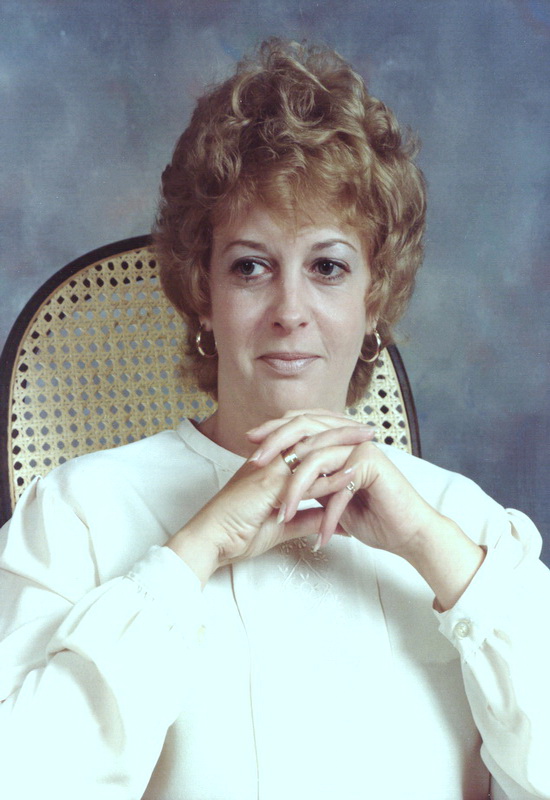
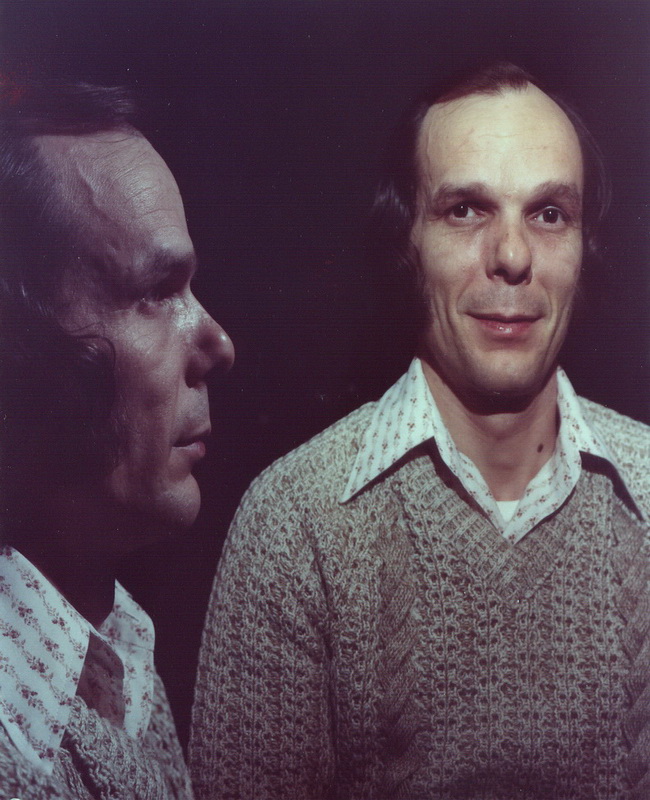
Is should be noted that many images displayed on computers were
designed for 4:3 aspect rario
and look a little wide (making people look overweight) on the
High Definition 16:9 monitors of today. It goes without saying that images
look rather narrow or squished on the 4:3 monitors if they are designed to be
displayed on the 16:9 monitors.
There are two way to correct/modify the aspect ratio of the image you see.
First, when displaying images on the website you can specify width and height of
the displayed image. Obviously you can modify the dimension to look as it should
on the aspect ratio of the display you choose.
Second, you can use an image editor and permanently modify the
dimension of the image. This method makes it possible to share the image with others
and it will look as it should on the monitor aspect ratio you chose to display
the image correctly.
ALWAYS keep your original image and modify only a copy!
There are programs available that convert images to the desired aspect ratio.
I am sure you are quite confused by all this technical jargon.
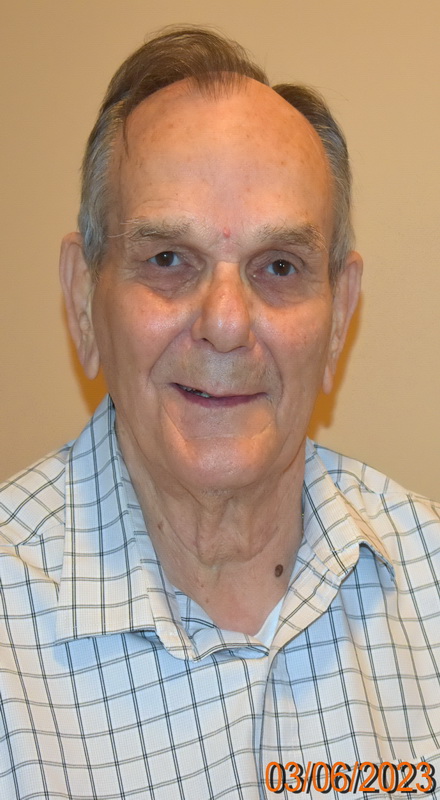
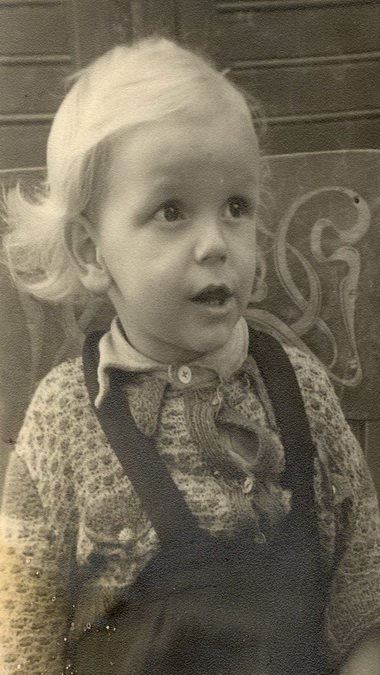
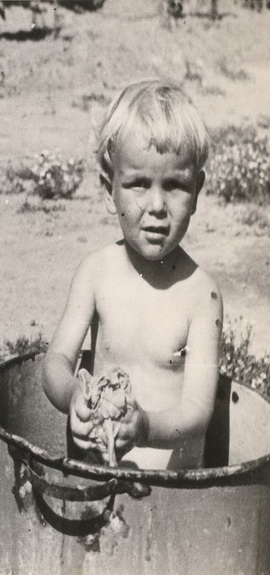
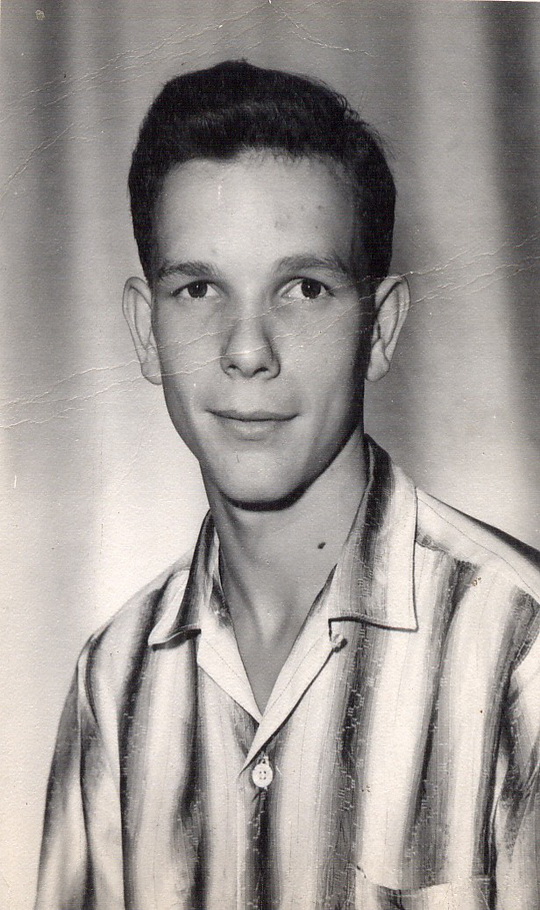
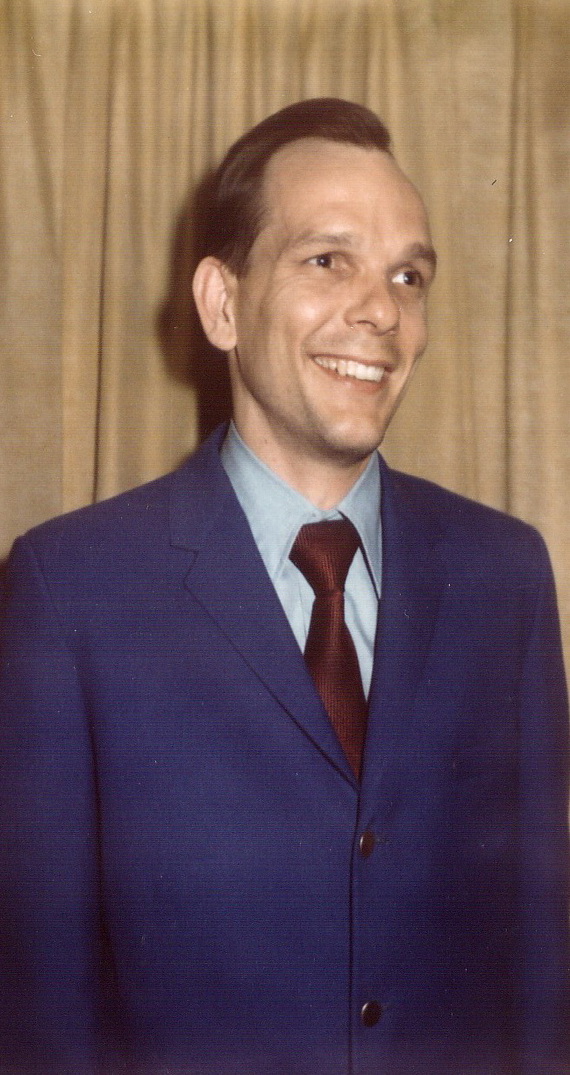
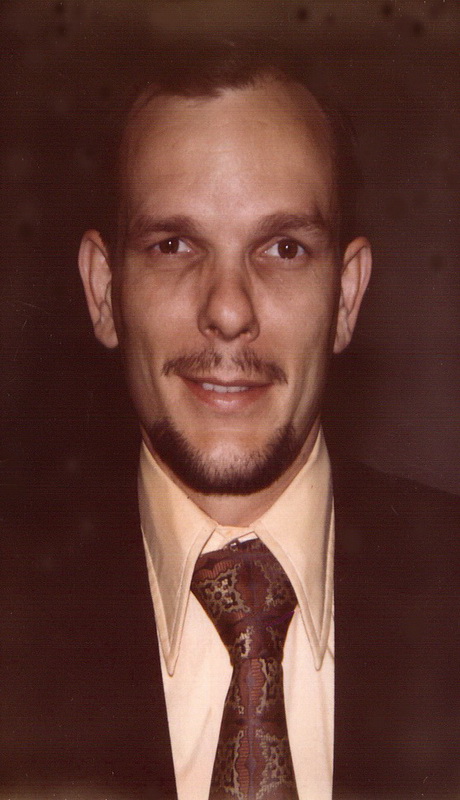
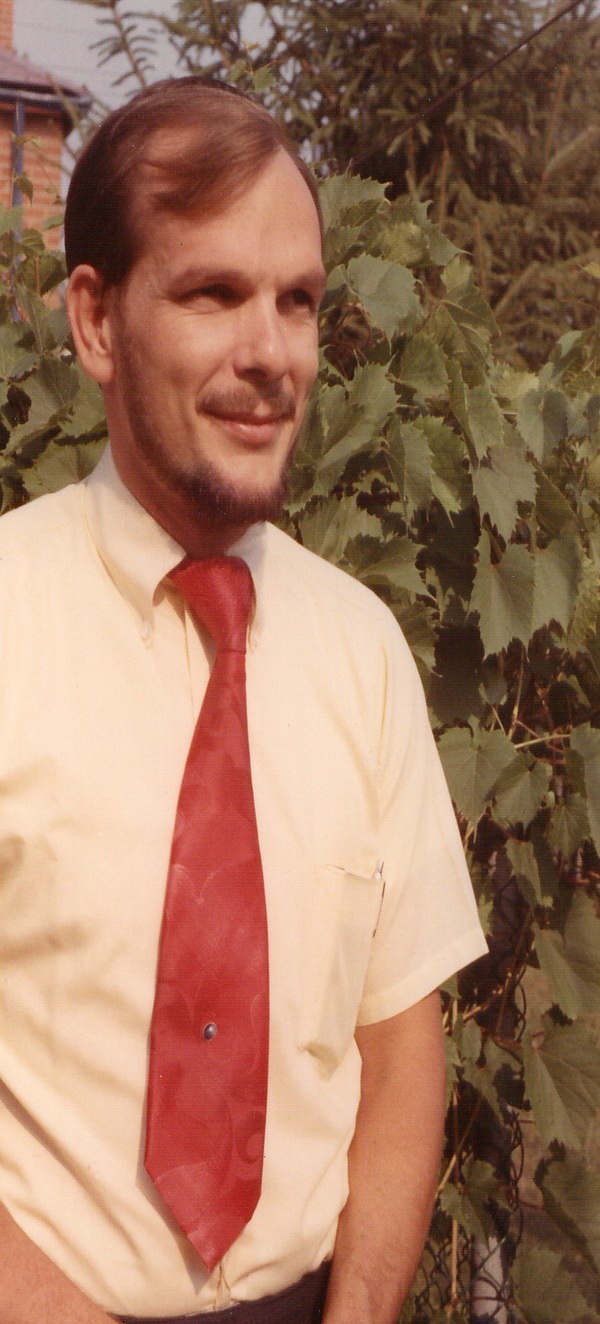
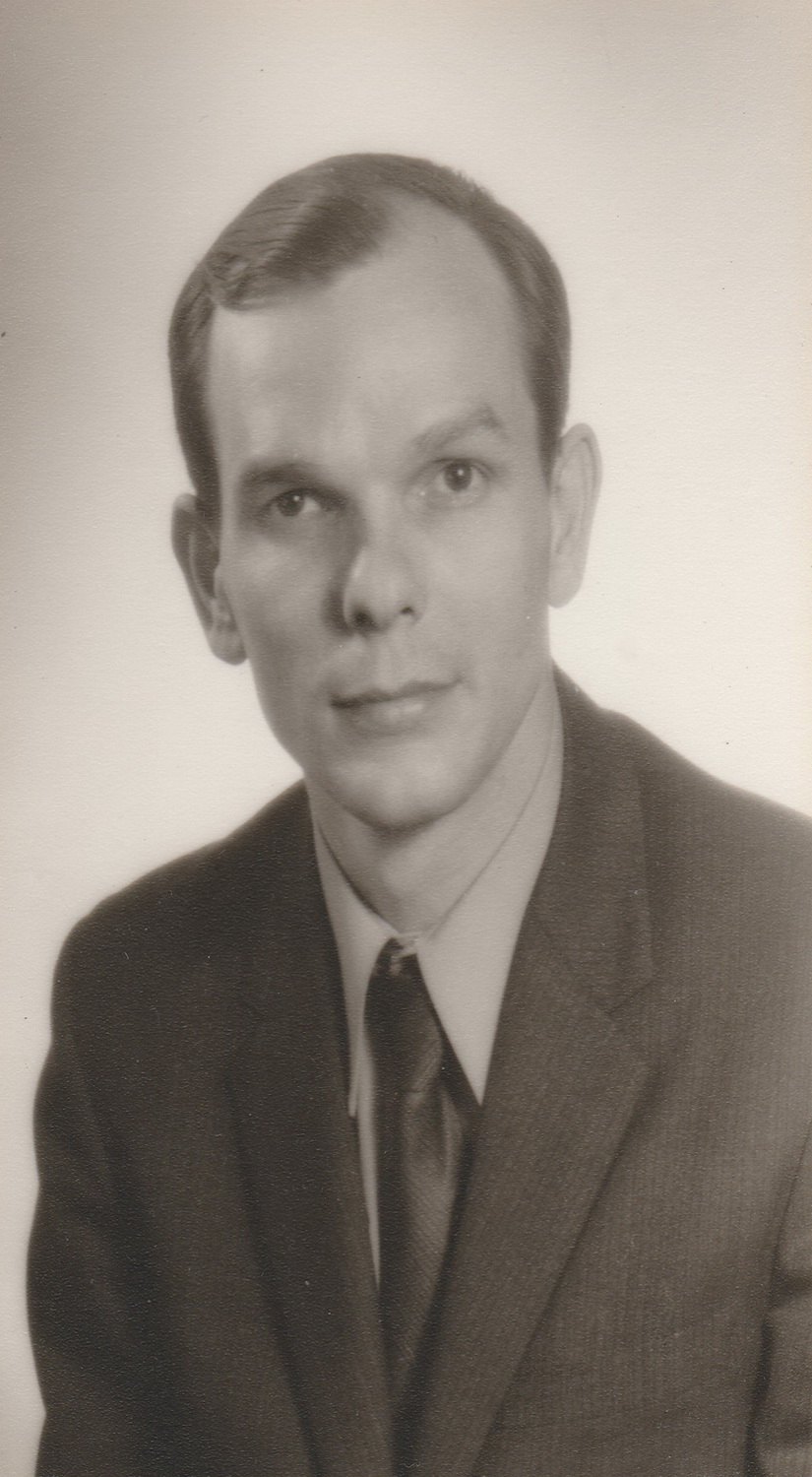
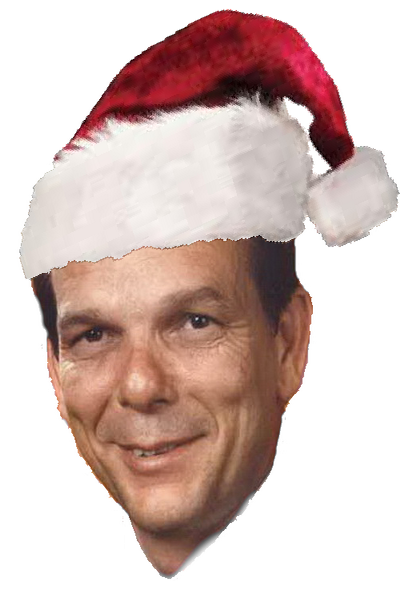
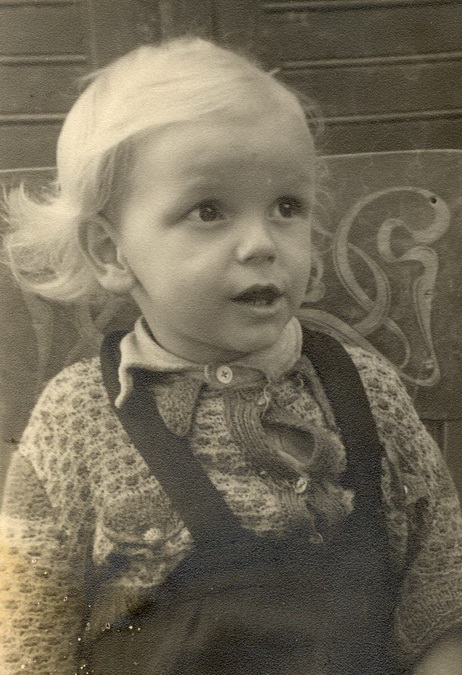
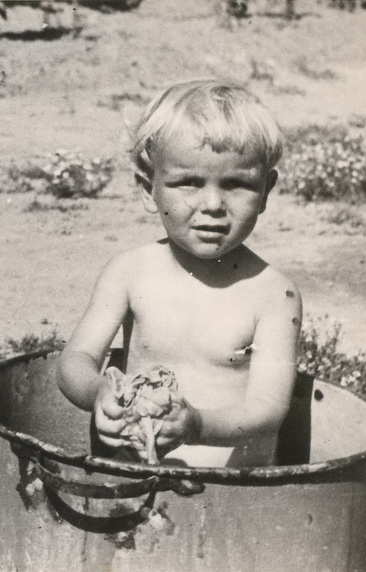
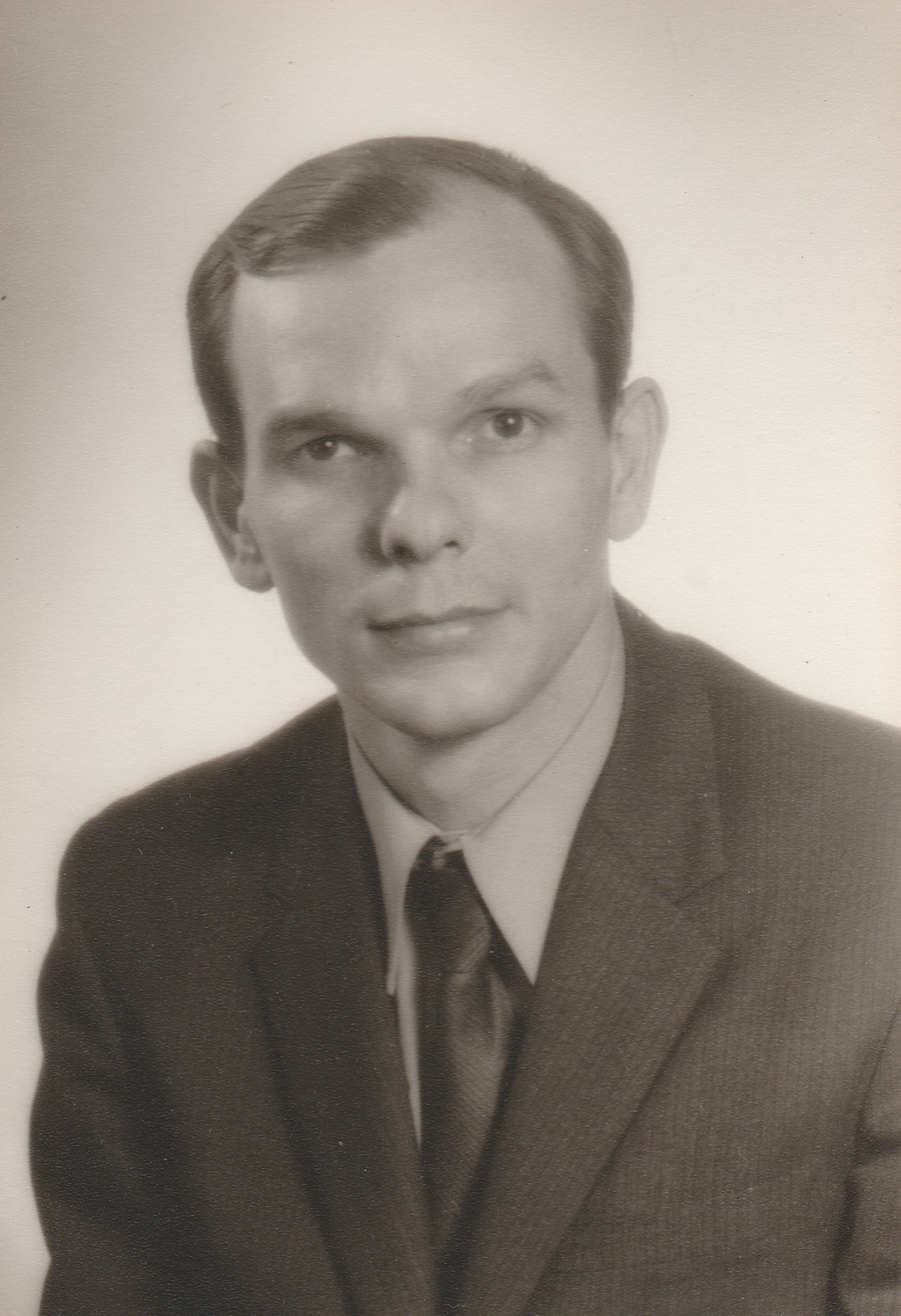
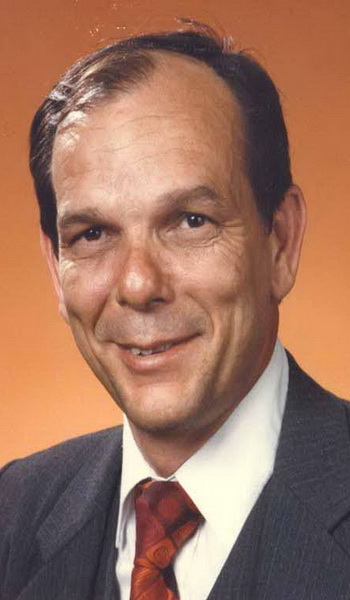
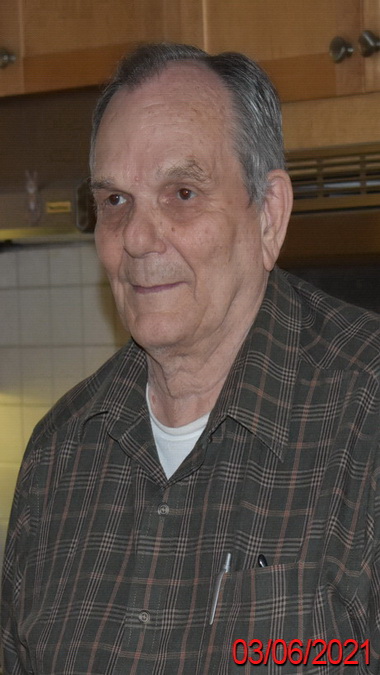
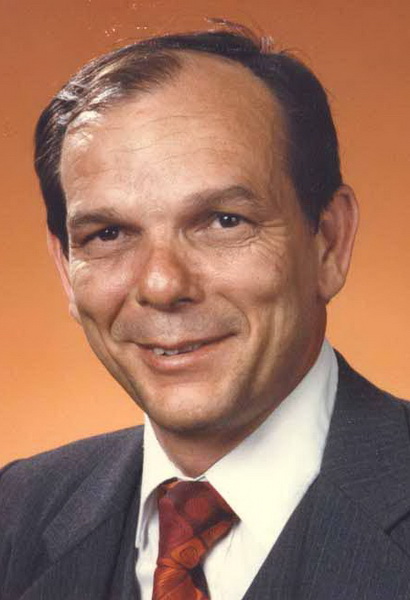
I will try to demonstrate the difference of how images look at different
aspect ratios on the monitor currenyly in use.
Ideally you should be able to determine the user's aspect ratio and display
all images without distortion for the aspect ratio of the monitor being used.
You can do some of your own research about the subject and become more
knowledgeable.


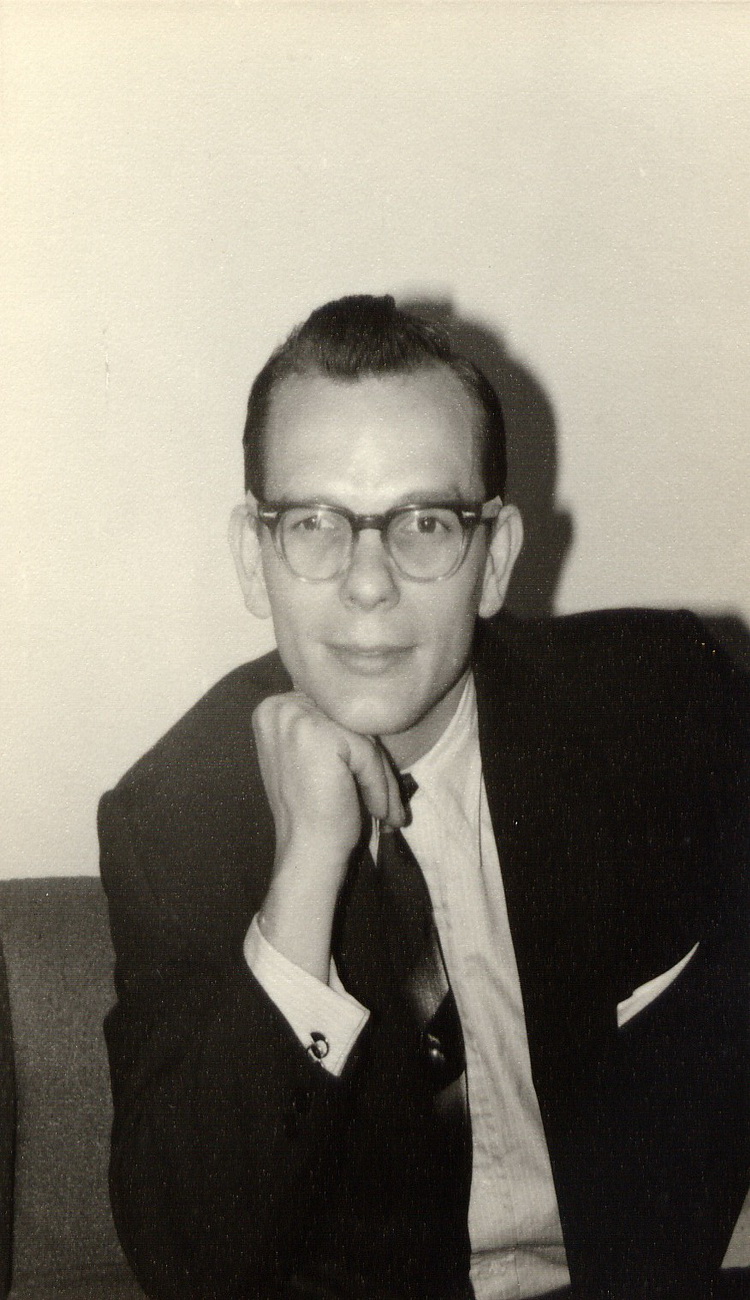
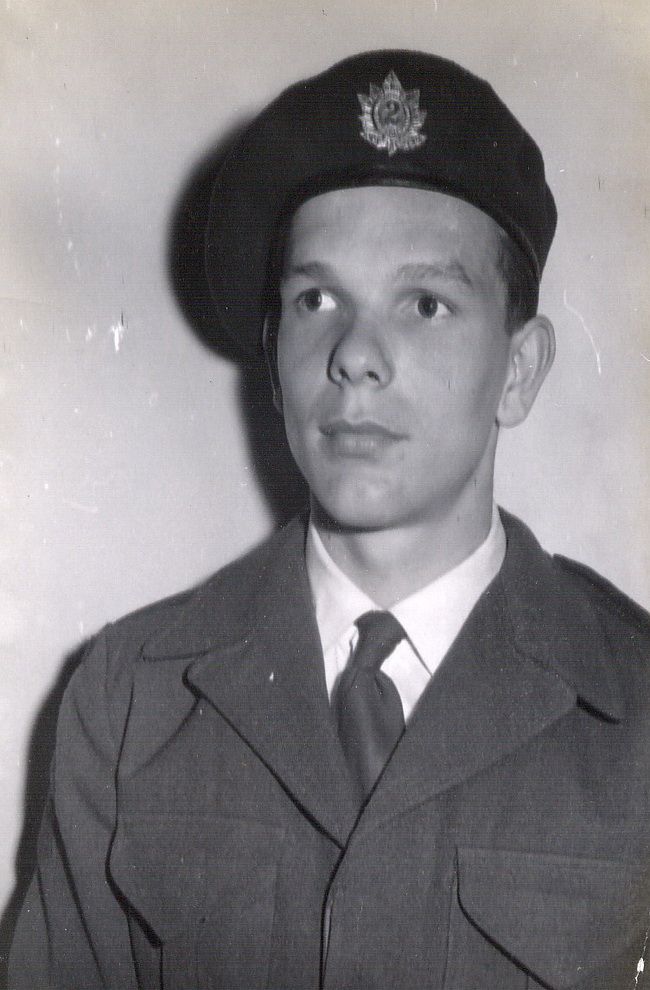
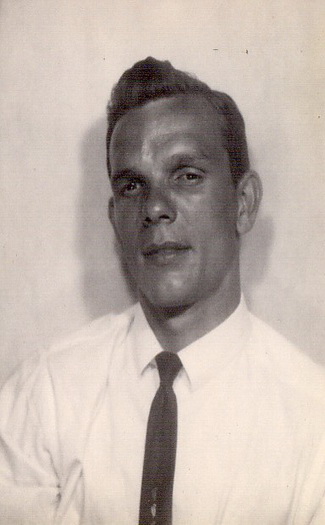
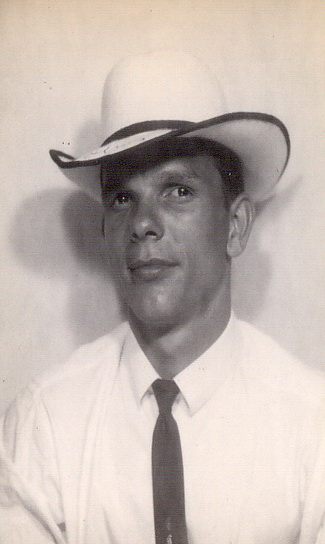








English-language pangram—a sentence that contains all of the letters
of the English alphabet.
“The quick brown fox jumps over the lazy dog”
“THE QUICK BROWN FOX JUMPS OVER THE LAZY DOG”
The "quick brown fox" is commonly used for touch-typing practice, testing typewriters and computer keyboards, and displaying examples of fonts. It can be used when all the letters in the alphabet need to be shown. Because it is a short sentence which makes sense it has become widely known and utilised.

The above equation can't be created using superscript since superscript raises the
character a very small amount, but as you can see it can be fudged to make it look
appropriate with clever manipulation. Numbers are 150px high but the 2 (superscript 2) is only
80px and had to be manipulated for both left and top margin followed by manipulating the
balance of the line for left and top margins as well. Not a pretty solution but it works
if it is required. Of course this is simply an exercise and I never expect to have to
actually use it.
Same formula below using 20px space instead of three spaces before and after the Equal sign
Click the
F below for an image.


List definition. Use any of the above bullets for variety.
<ul style="list-style-image:url(images/SqBull.png); line-height: 1.8em; margin-left:40px;">
⌚ = ⌚ ⏰ = ⏰ ⅓ = ⅓ ℞ = ℞
The problem with being too fussy is that you always think you can do better. I was unhappy, or at least less than thrilled with some of the characters or just the combination of wood used to create the letters, so I proceeded to update some of the creations. Not that the new product is better than the original but I am more please with the final result, especially the S, which took a lot of peices to create. There may be some who prefer the original creations but I like the new ones better. Originally I created a few characters and after creating the whole alphanumeric set, I realised that punctuation, aside from the original period, needed brackets, comma, colon, semicolon, apostrophe etc. etc. Added commonly used symbols = + # @ * already had / and - for math and other functions. I added square brackets [ ] along with left and right Arrows plus a narrow Bar, as well the ellipsis … … three dots as a single element, unicode … also … can come in handy instead of 3 seperate characters. I expect to possibly use as seperators. Since braces { } are rarely used (I don't expect to need them) so I passed. There are some rarely used characters I don't intend to create but MAY create accented characters for the Hungarian alphabet. …
 Canadian Holidays
A Perpetual Table of Holidays Observed in Ontario

CDN Celebrations | New Years | Valentine's Day | St. Patrick's Day | Easter | Mother's Day | Father's Day | Canada Day | Thanksgiving | Halloween | Remembrance Day | Christmas

 e-mail:
jimandgloria@yahoo.com
e-mail:
jimandgloria@yahoo.com


Thank you for visiting us on the World Wide Web.
Copyright © 2000 -
All rights reserved.
Design by
Φ
Unicorn JIF 2007 2008
All suggestions, Broken Links, Corrections and Recommendations
must be submitted to WebMaster
 Send e-mail to:
WebMaster
e-mail: webmaster@ncwoodshop.ca
Send e-mail to:
WebMaster
e-mail: webmaster@ncwoodshop.ca
